You can connect your health records via the HealthEx Connector. Follow the steps below:
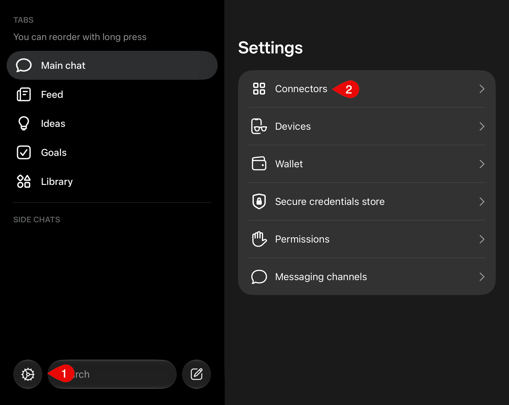
- In Muse, open Settings > Connectors
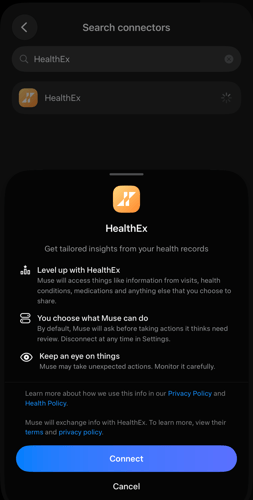
- Search for HealthEx, tap on Connect
-
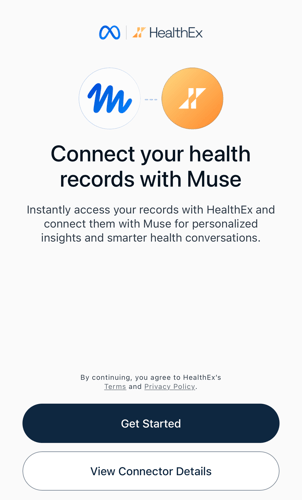
Once the pop-up window appears, tap on Get Started and go through the HealthEx flow
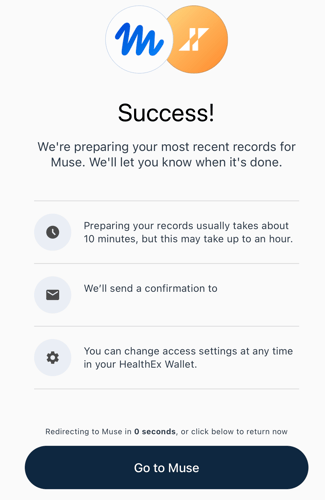
- Once you have completed the HealthEx flow, you will see a Success message with a button to go back to Muse